
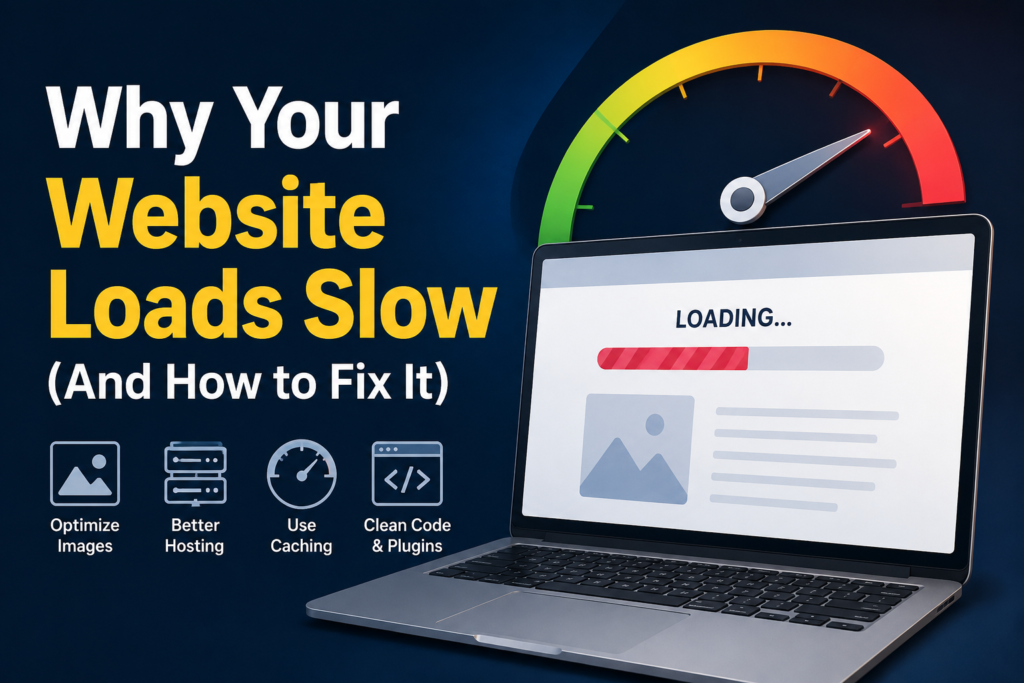
If you’re struggling to understand why your website loads slow, you’re not alone. Slow website performance is one of the biggest reasons visitors leave before even seeing your content. In today’s competitive digital world, website speed is just as important as design, directly impacting user experience, traffic, conversions, and search rankings. Improving your site through proper website loading speed optimization is essential if you want to keep users engaged and boost your online visibility.
So, let’s take a look at the primary reasons for this and how you can resolve them.
1. Large Images Are Slowing Everything Down
One of the most common answers to why your website loads slow is unoptimized images. Many website owners upload very high-resolution images without compressing them. While they look beautiful, they take a long time to load.
Fix it:
- Reduce image size prior to upload
- Use modern formats such as WebPage
- Adjust image sizes to actual screen display size
2. Poor Hosting Performance Can Make Your Website Load Slow
A hosting provider can greatly impact website speed. If your website is slow, it may be because the server is too cheap or overloaded to provide the necessary resources.
Fix it:
- Choose a dependable web host
- Use VPS or cloud hosting for better performance
- Ensure your server location is close to your audience
3. Excessive Plugins or Scripts
When your site is using a platform such as WordPress, too many plugins can slow it down. Every plugin adds extra code that your website must load.
This is another key reason behind slow website loading.
Fix it:
- Remove unused plugins
- Keep only essential tools
- Avoid unnecessary third-party scripts
4. No Caching System
Caching stores a version of your website so it loads faster for returning visitors. Without caching, the server has to rebuild pages for every user request.
This is a technical but very important reason for slow loading.
Fix it:
- Enable browser caching
- Use caching plugins or server-level caching
- Use a CDN (Content Delivery Network)
5. Heavy Themes Can Make Your Website Load Slow
Sometimes the design itself is the issue. Poorly coded or overly feature-rich themes can significantly slow down your website.
Fix it:
- Use lightweight themes
- Avoid unnecessary animations
- Clean unused CSS and JavaScript
6. Too Many External Requests Slow Down Your Website
Fonts, ads, tracking tools, and embedded content can all slow your website. Each external request increases loading time, which is another reason why your website loads slow.
Fix it:
- Limit external scripts
- Host fonts locally when possible
- Reduce third-party integrations
Conclusion
The first step to solving a slow loading website is understanding why your website loads slow. The most common causes include large images, poor hosting, too many plugins, and lack of optimization.
By improving these areas, you can make your website faster, improve user experience, and boost search rankings. A good website performance optimization guide can help you understand advanced techniques for long-term speed improvements.
Read More About Common Mistakes Small Businesses Make Online