Artificial intelligence is no longer the domain of data scientists and developers. Nowadays, anybody with an idea and an internet connection can create powerful AI-powered app without a single line of code. No-code AI revolution is here, whether you are an entrepreneur, an educator or a creative professional, and more than ever before, it is more accessible.
Start With the Right No-Code Platform for AI-Powered App.
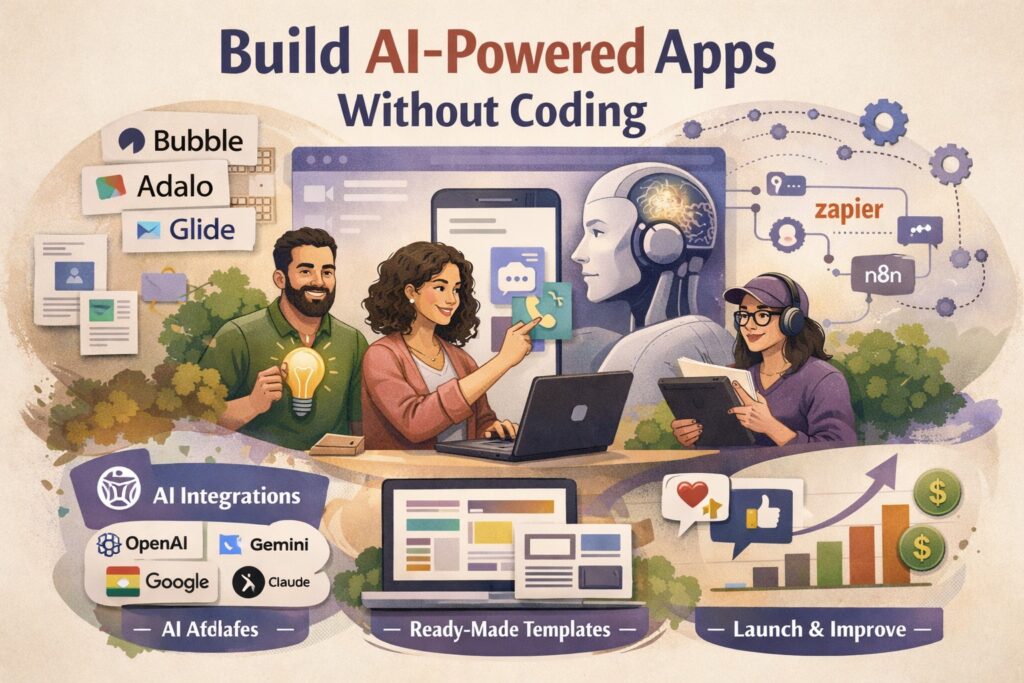
The initial one is the selection of a platform that suits your AI-powered app. Software such as Bubble, Glide and Adalo allow you to create entire apps using drag and drop interfaces. These platforms have been developed quickly and now have native integrations with AI services, and it is easy to directly consume intelligence in your product. In the case of web-based tools and automations, applications such as Zapier, Make (previously Integromat), and n8n integrate thousands of apps and AI services with no technical expertise needed.
Combine AI and Simple Plugins and APIs.
After settling on your platform, it is surprisingly easy to add AI. A majority of no-code tools have in-built connections to the most popular AI services, such as ChatGPT of OpenAI, Google Gemini, and Claude of Anthropic. All you need to do is to pick the integration, enter your API key, and set up what you would like the AI to accomplish, whether it is answering user questions, creating content, summarizing documents, or analyzing images. No computer writing experience required.
State What Your AI-Powered App Does.
Prior to development, have a clear idea about the issue your AI-powered app is addressing. The most successful no-code AI apps have a specific, well-defined purpose. A chatbot to answer customer service, a resume-reviewing robot, a meal planner, a language tutor – the more specific your use case, the more you can easily make your AI work correctly. Compose a brief system prompt that instructs the AI on how to act, what tone to apply and what to discuss. This is the most basic form of text instruction you will get to coding.
Move with Templates to Faster.
Just about all no-code systems have a library of pre-built templates. Browse templates that are built to fit your use case and customize them to fit your brand and goals instead of creating them yourself. This can reduce your build time to weeks. Using this method, many creators introduce their first AI-powered app in a weekend.
Test, Get Feedback, and Improve.
After launching your AI-powered app, the work starts. Share it with a limited number of users, observe their interaction with it, and gather candid feedback. With no-code platforms, it is easy to make updates in real time to your app – modify a prompt, replace an integration, or redesign a screen with no downtime. You are an iterator
Read More About Generative vs Agentic AI